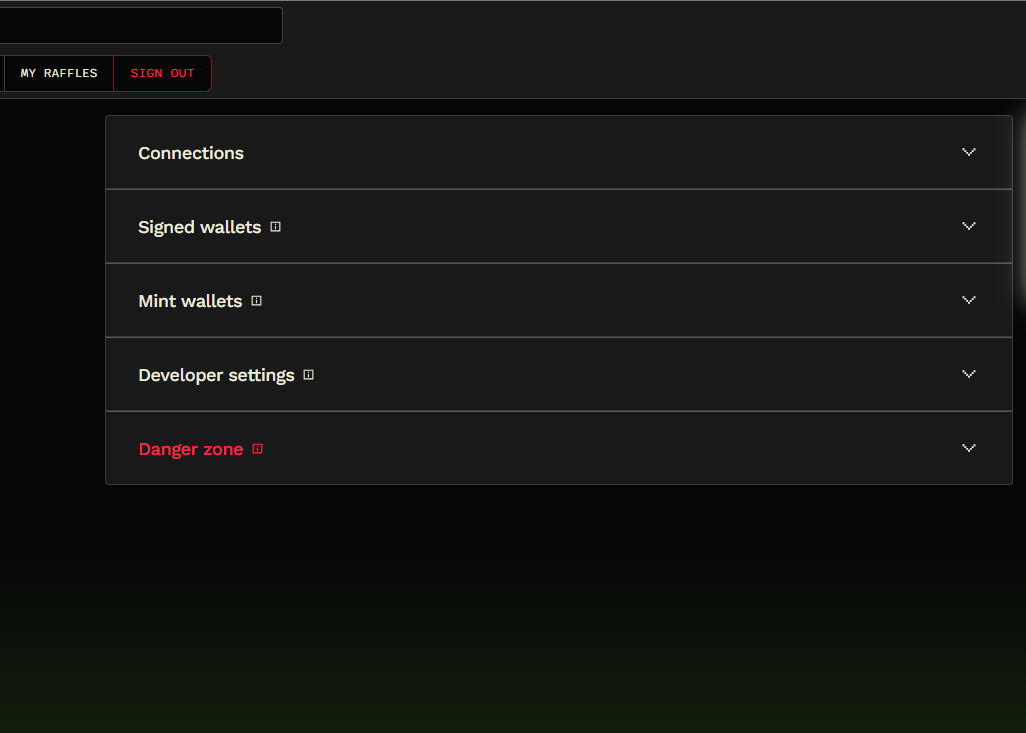
Account Settings
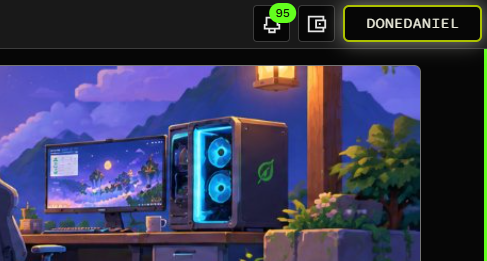
You can access your account settings by following this link or by clicking on the profile image on the top right of your window:
The user settings window is divided into the following sections (visit the individual pages to learn more):
- Connections
- Notifications
- Communities Settings
- Signed Wallets
- Mint Wallets
- Other Buttons
- Developer Settings
- Danger Zone