Danger Zone
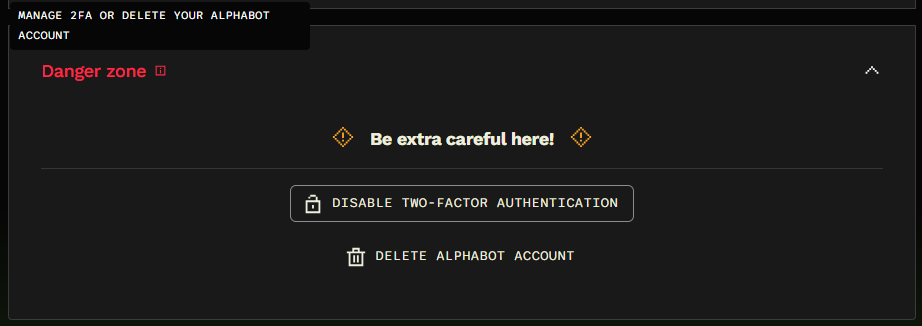
The Danger zone section in Account Settings contains controls for two-factor authentication and deleting your Alphabot account.
Two-factor authentication
Section titled “Two-factor authentication”Two-factor authentication adds an extra layer of protection to your account. If it is enabled, this section shows the Disable Two-Factor Authentication button. Use this option only if you intend to turn off that protection.
Delete your account
Section titled “Delete your account”The Delete Alphabot Account option lets you begin the account deletion process. Select it only if you intend to delete your account, and review the information shown before confirming.