$USDC Raids
Guide
USDC Raids let you activate and fund social raids directly through your connected X account, with rewards distributed to winners in $USDC.
To get started: https://www.alphabot.app/raids/manage
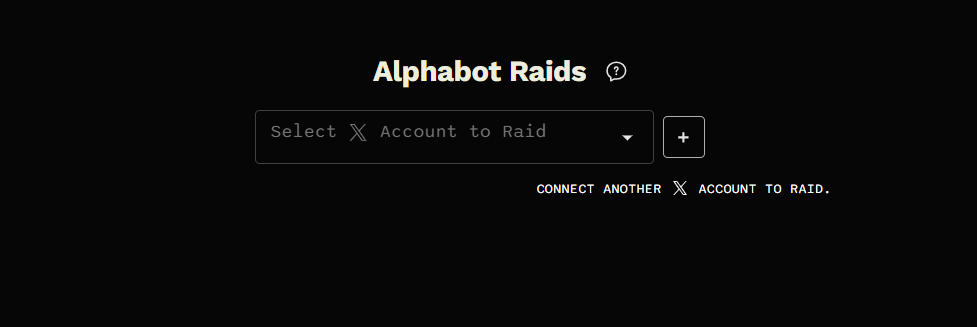
Step 1: Select Your X Account
Section titled “Step 1: Select Your X Account”- Choose the X account you want to link for your raids.
Step 2: Activate Raids
Section titled “Step 2: Activate Raids”- Scroll down and pay the 1-month activation fee to get started.
- Activation Fee: $20 USDC in Abstract Chain.
- Once activated, you can create multiple raids during the month.
Note:
If you don’t already have $USDC in abstract chain, click your wallet icon in the top-right corner to deposit or bridge.
Step 3: Fund Your Raid
Section titled “Step 3: Fund Your Raid”- Decide how many raids you want to create and fund them accordingly.
- Minimum funding per raid: $20 USDC.
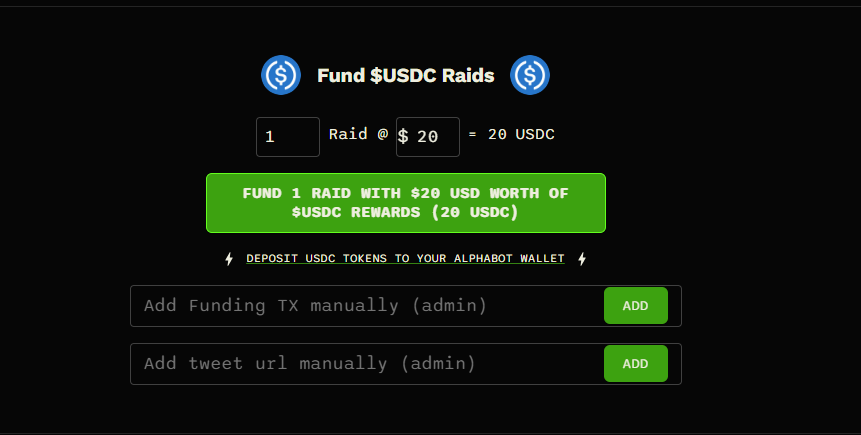
- Once funded, your next tweet from the connected account will automatically trigger a raid, which will appear here:
View Active Raids - Rewards are automatically distributed to 4 winners after the 24-hour raid period ends.
Step 4: Advanced Settings
Section titled “Step 4: Advanced Settings”-
Control how your raid engagement is measured:
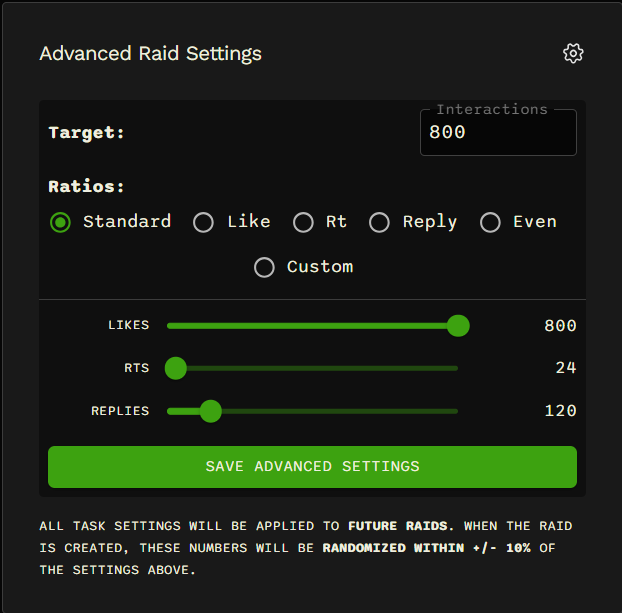
- Set goals for Likes, Retweets, and Replies.
- If the goal is surpassed before the raid ends, only the follow task remains active until the
24-hour raid window closes.
⚠️ Tip: Avoid setting goals too high, as this can result in incorrect engagement ratios.
Remember: a raid can only receive as many likes as the number of entries submitted.
- To view your Alphabot wallet transactions, search your wallet here:
Abstract Wallet Explorer