Creating Your Account
To set up an account, you can click on Sign In on the top right of any page on the Alphabot website. You’ll be prompted to select a method to sign in (wallet or social account), which will automatically create an account for you - as long as an account doesn’t already exist with the selected sign-in method (if it does already exist, you’ll simply be signed in to the existing account).
You can then proceed to your profile, by clicking on the top right of the window or clicking on the link here, to continue with setting up your account (add signed wallets, mint wallets, social accounts, email address, etc).
Alternatively, if you want to connect all socials right away, you can navigate to https://www.alphabot.app/connect, where you can connect your wallet, Discord account, and Twitter account to be fully set up and prepared to fulfill any raffle requirements.\
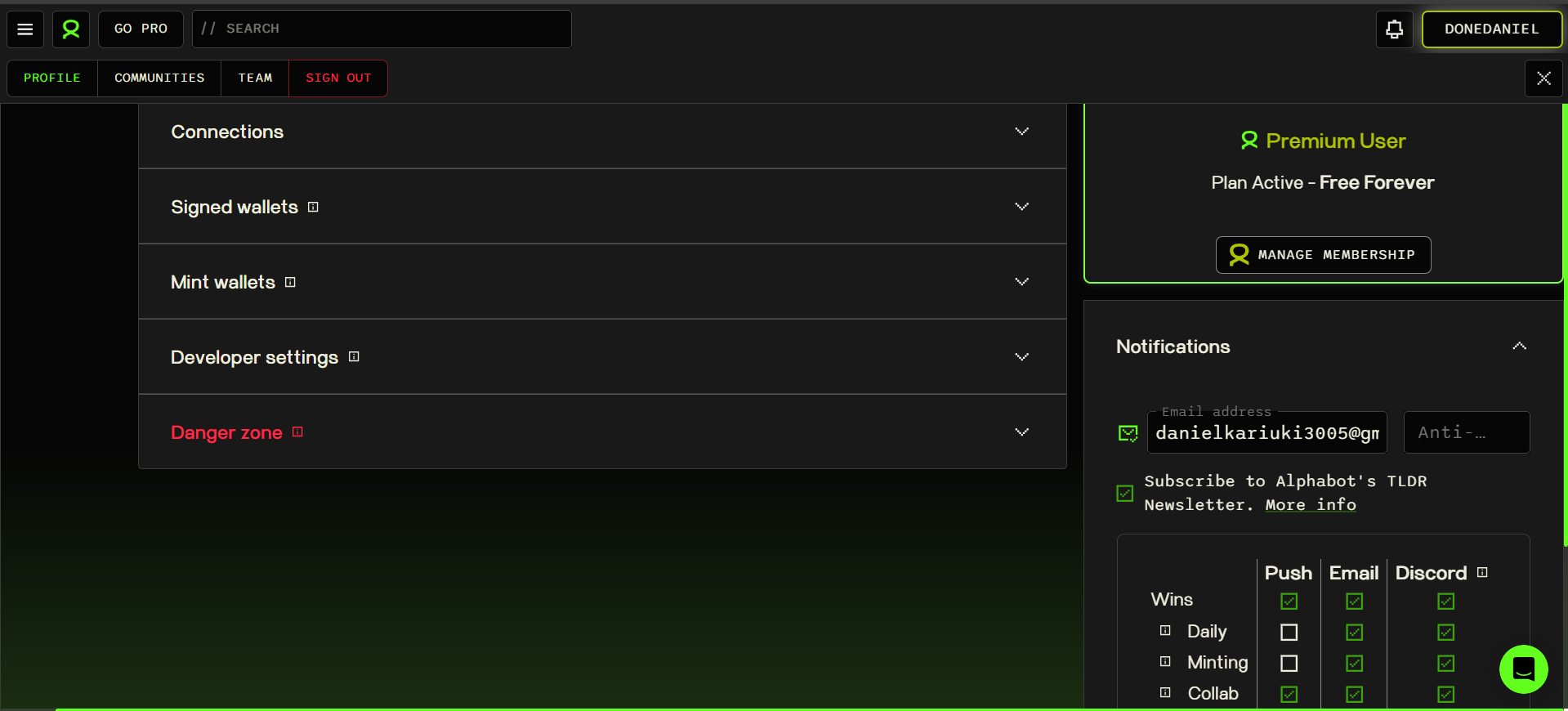
Users can also have multiple mint wallets as well, with a simple dropdown to select which wallet they’d like to submit to a raffle when entering from the main raffle page, as the wallet which will be returned to the team running the raffle in the event of them winning. They can also set community default mint wallets across all blockchains, to prevent submitting the same mint wallets.
Creating an account on mobile
Section titled “Creating an account on mobile”Alternatively, if mobile is your main platform - you are also able to create a new account on mobile. You’ll be able to sign in on any other device using the same sign in method (e.g. the same wallet address or Discord account).