Team Socials
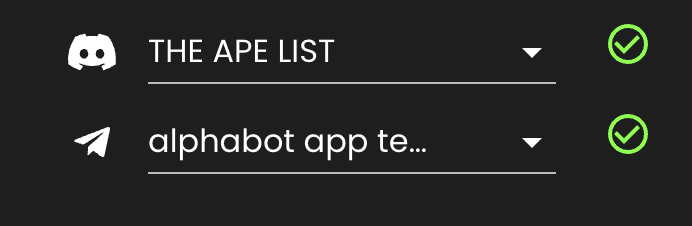
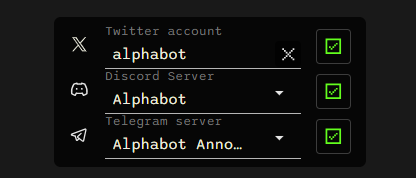
You can connect your community’s X (Twitter) account, Discord server, and Telegram channel or group to your Alphabot team. Edit these connections on the Manage Team page. A green checkmark beside a connection indicates that it is verified.
X (Twitter)
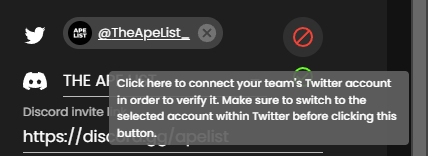
Section titled “X (Twitter)”Your team’s X (Twitter) account appears across Alphabot, including on individual raffle pages. A red icon beside the X (Twitter) field means the account is not properly linked. Hover over it for instructions, or click it to authorize the connection through X (Twitter).
Discord Server
Section titled “Discord Server”The connected Discord server determines who belongs to your community and can discover raffles with Community visibility. A verified connection is also required for Discord bot features such as raffle and winner announcements.
In order to connect the Discord server, the team owner must have Ban Members permission in the selected Discord server - as to ensure that they are actually authorized. A verified Discord server will display a green checkmark, as can be seen in the images above. If not properly verified, a red icon will display instead and you can hover over the icon to see instructions on how to proceed.
Telegram Channels and Groups
Section titled “Telegram Channels and Groups”Click on the dropdown field to select the preferred Telegram channel or group.
A green or red icon next to the field will indicate whether the team has been successfully connected to Telegram. The Telegram bot has to be set up in the selected channel or group for the connection to be successful (for more see Telegram Bot Setup). In case of a red icon, please hover over it to see more details.