Introduction
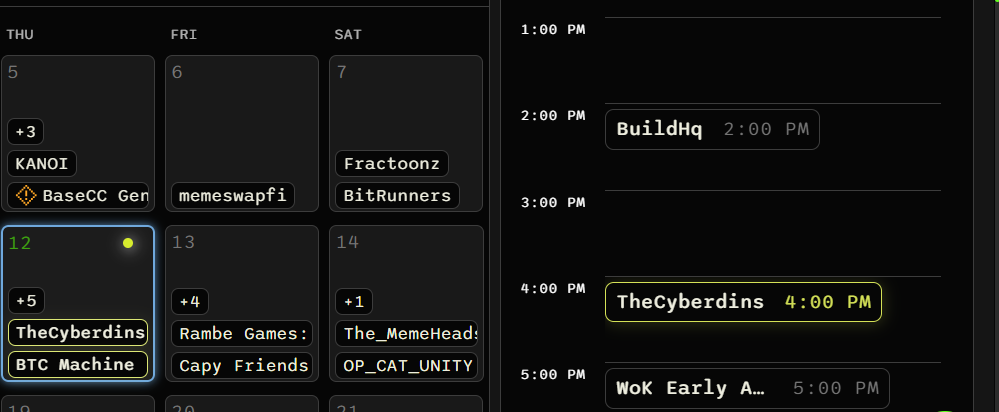
Keep track of your upcoming launches, that you’ve won on Alphabot or elsewhere, in an easy-to-use scheduler. All times shown are adjusted to your device’s timezone.
Subscribe from your calendar app
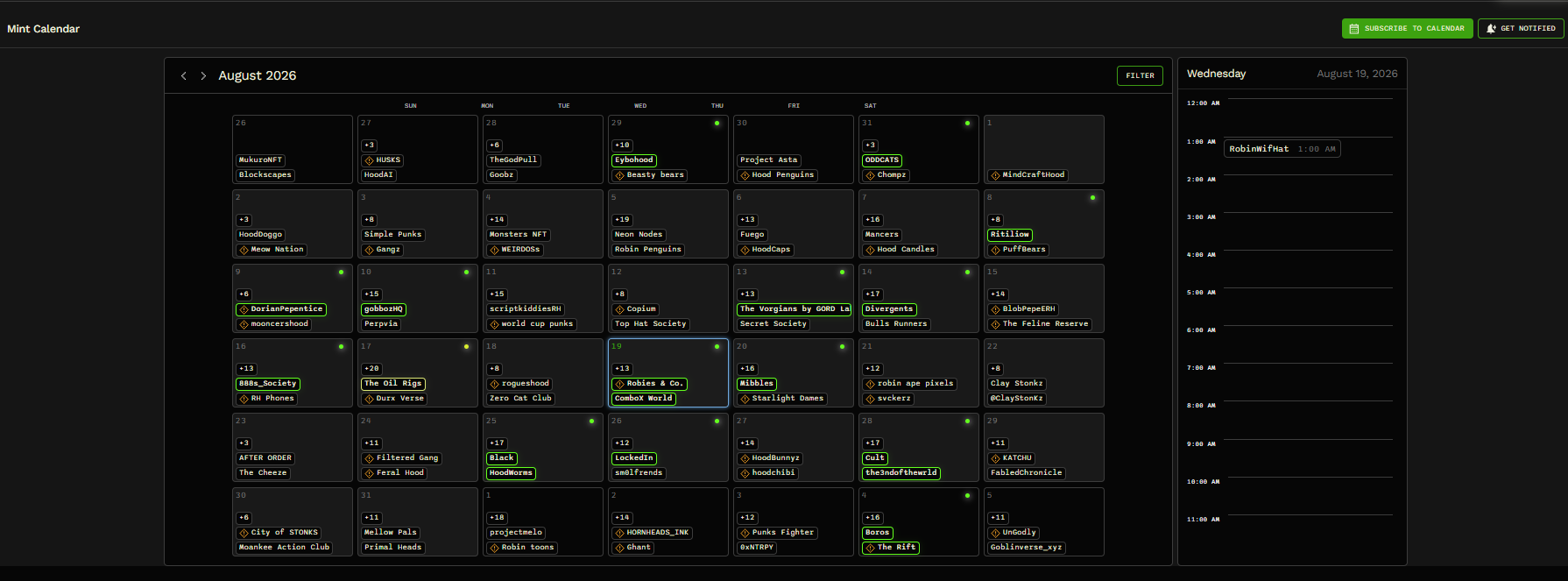
Section titled “Subscribe from your calendar app”You can subscribe to the Alphabot Calendar using Google Calendar, Apple Calendar, Outlook, or another supported calendar app. A subscription lets you receive live calendar updates in the app you use to keep track of upcoming mints.
Alphabot Premium members have additional controls for calendar subscriptions.
Daily overview
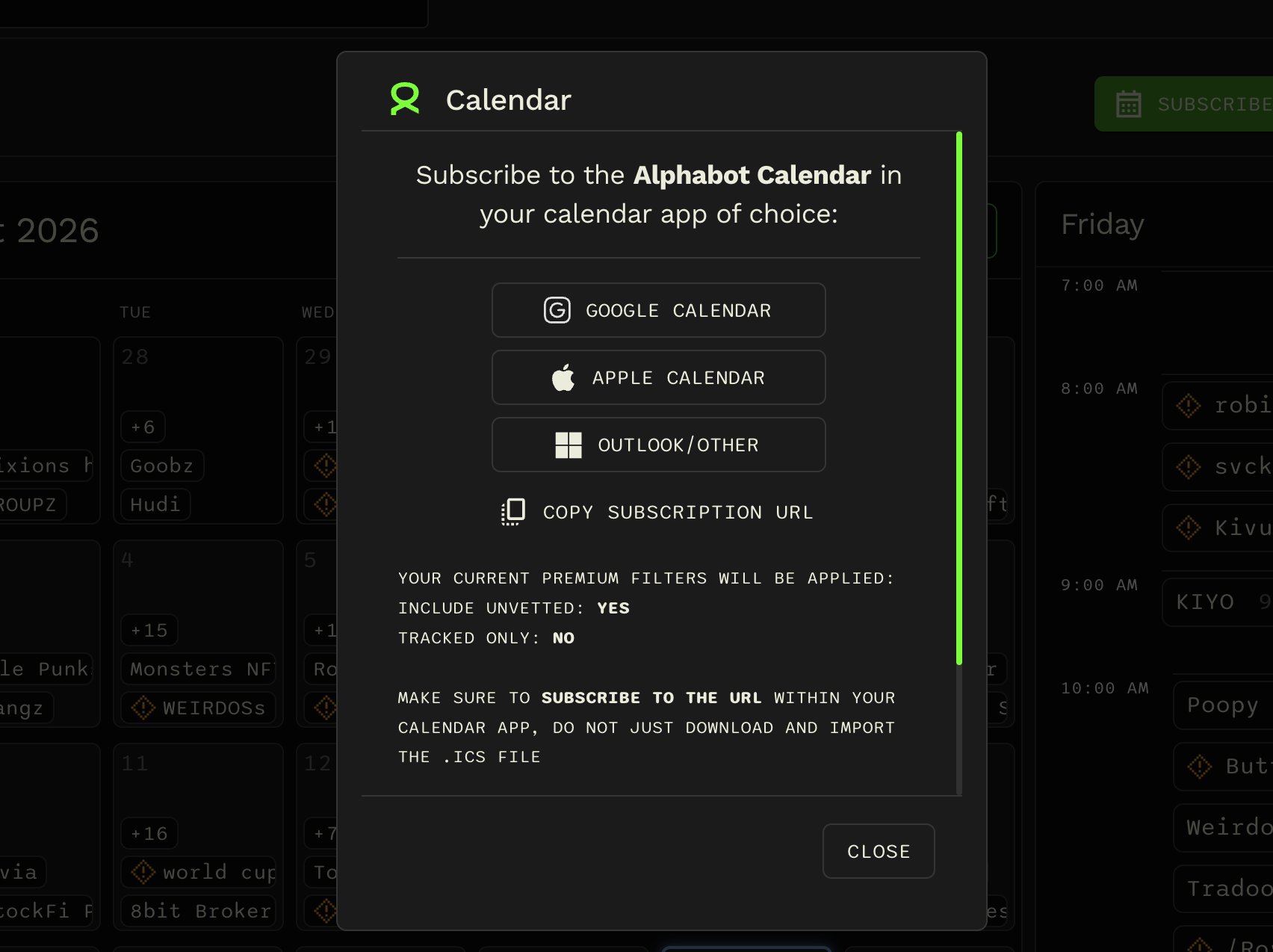
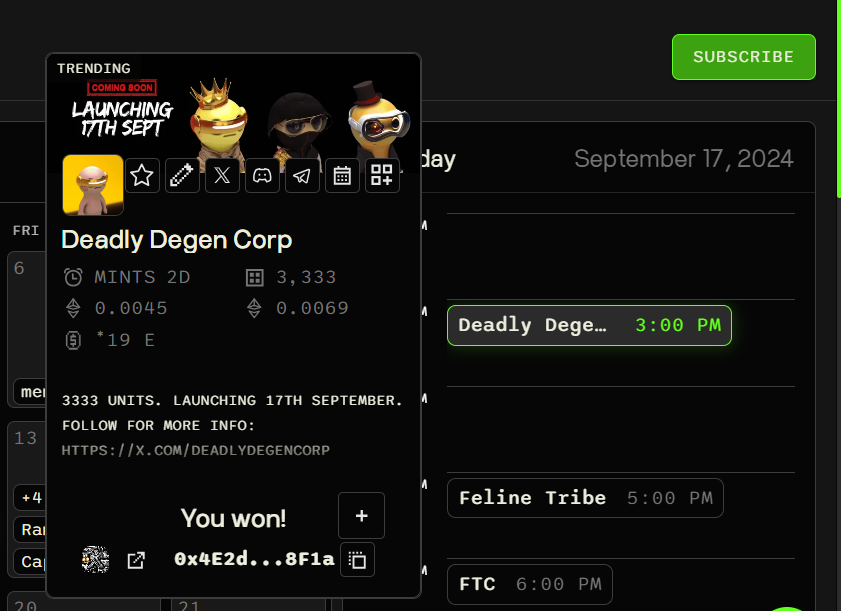
Section titled “Daily overview”By clicking on a day, the content on the right will reflect the projects or launches for that selected day. You can see further information about the individual projects or launches by clicking on the name, which opens up a window as shown in the image below.
Here you can star the project (i.e. favorite), add it to your Google Calendar, see the project’s social links, any available data about the launch (supply/price/raise in the image below), and the ability to add external wins (see Adding External Wins for more).
Launches or projects you’ve won
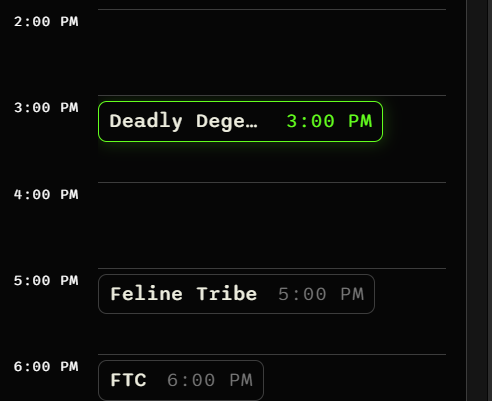
Section titled “Launches or projects you’ve won”Any projects that you have won whitelist for on Alphabot, or that you have added as an external win, will be marked in green. All days where a project is minting that you have whitelist for, will also be marked with a green outline as can be seen on the left in the image below.
Starred projects or launches
Section titled “Starred projects or launches”Projects that you’ve starred (i.e. favorited) are highlighted in yellow.